Does Starbucks Take Apple Pay?
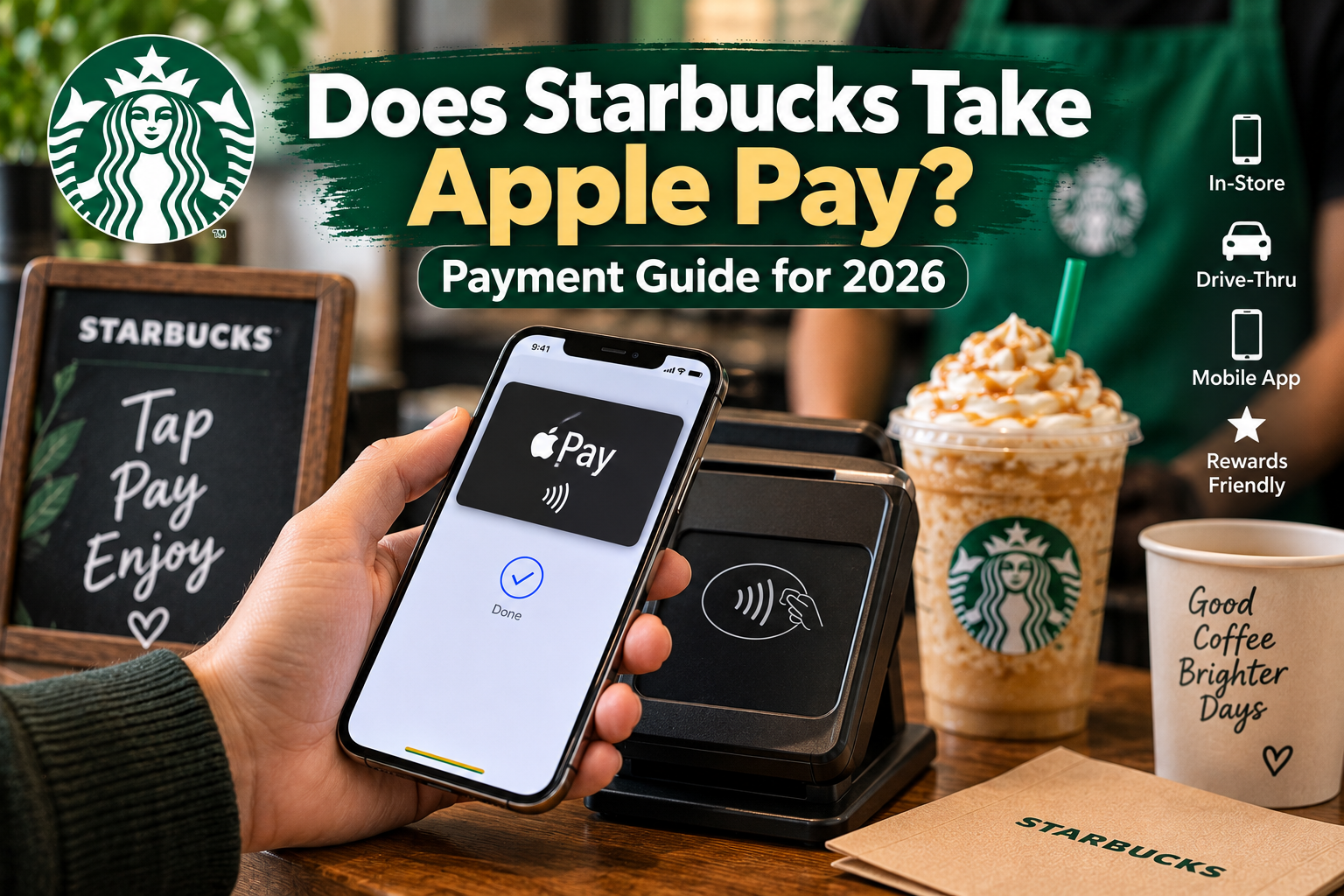
Want to pay at Starbucks without carrying cash or a physical card? If you are wondering does Starbucks take Apple Pay, the answer is yes. Apple Pay is accepted at most Starbucks locations and can be used for in store purchases and drive thru payments.
Apple Pay lets you pay with an iPhone or Apple Watch using a contactless payment terminal. It can be a convenient option when you are ordering your favorite Starbucks drink, grabbing breakfast, or picking up a custom drink from the secret menu.
In this guide, you’ll learn where you can use Apple Pay at Starbucks, how to pay step by step, which other payment methods are accepted, and what to do if Apple Pay is not working.
Does Starbucks Accept Apple Pay?
Yes, Starbucks accepts Apple Pay at most locations, including in store and drive thru purchases. You can use an iPhone or Apple Watch to make a contactless payment at a compatible payment terminal.
Apple Pay works through the device’s NFC connection, so you can simply hold your device near the reader to complete the transaction. You do not need to insert a physical card or pay with cash.
For customers who already use Apple Pay, it offers a quick way to pay while ordering from the Starbucks Drinks menu.
How to Use Apple Pay at Starbucks
Using Apple Pay at Starbucks only takes a few steps. Make sure your preferred payment card is already added to Apple Wallet before you arrive.
- Open Apple Wallet on your iPhone or Apple Watch.
- Choose your card or use your default payment card.
- Authenticate the payment with Face ID, Touch ID, or your passcode.
- Hold your device near the payment terminal.
- Wait for the confirmation that your payment was completed.
At a drive thru, let the barista know that you want to pay with Apple Pay. You can then hold your iPhone or Apple Watch near the available payment reader when prompted.
Where Can You Use Apple Pay at Starbucks?
Apple Pay can be used in many Starbucks locations for in store and drive thru purchases. At the counter, you can hold your iPhone or Apple Watch near the contactless reader to complete your payment.
For mobile orders, Apple Pay can also be used within the Starbucks app in supported payment situations. In this case, Apple Pay may be used to add funds to your Starbucks balance, which you can then use for your order.
Since payment options can vary by location and ordering method, check the available payment options before completing your order if you plan to use Apple Pay.
Can You Use Apple Pay at the Starbucks Drive-Thru?
Yes, Apple Pay can be used at many Starbucks drive thru locations. After placing your order, tell the barista that you want to pay with Apple Pay and use the available contactless payment reader.
The exact setup can vary between locations. If you are unsure, simply ask the barista whether Apple Pay is available before reaching the payment window.
Does Apple Pay Work in the Starbucks App?
Apple Pay can be used with supported Starbucks app payment options. One common way is to use Apple Pay to add money to your Starbucks balance, which can then be used to pay for Starbucks purchases.
The payment options shown in the app can change, so check the available options when adding funds or placing your order.
Other Payment Methods Starbucks Accepts
Apple Pay is not the only way to pay at Starbucks. Depending on the location and ordering method, customers can also use several other payment options.
Common methods include:
- Credit cards
- Debit cards
- Cash
- Starbucks Card
- Starbucks app payments
- Google Pay
- Samsung Pay
Credit and debit cards from major networks such as Visa, Mastercard, and American Express are commonly accepted. Contactless payment options may also be available at locations with compatible payment terminals.
How to Check If Your Local Starbucks Accepts Apple Pay?
Most Starbucks locations accept Apple Pay, but checking your specific store can help avoid payment problems.
You can:
- Look for the contactless payment symbol on the payment terminal.
- Ask the barista before placing your order.
- Check the Starbucks app for available payment and ordering options.
- Check with the store directly if you are visiting a location where payment options may differ.
This is especially useful at smaller locations, newly opened stores, or when you are relying on Apple Pay as your only payment method.
Benefits of Using Apple Pay at Starbucks
Apple Pay can make the checkout process quicker because you do not need to take out a physical card or count cash. You can simply use your iPhone or Apple Watch at a compatible payment terminal.
It also adds an extra layer of device security. Payments can require Face ID, Touch ID, or a passcode, depending on your device settings.
Another benefit is convenience. Once your payment card is stored in Apple Wallet, you can use your phone or Apple Watch instead of carrying your physical wallet.
What to Do If Apple Pay Is Not Working at Starbucks
If Apple Pay does not work at Starbucks, first check that your iPhone or Apple Watch is unlocked and that you have selected the correct card. Make sure the device is close enough to the contactless reader for the payment to register.
If the payment still does not work, ask the barista whether the terminal accepts contactless payments. You can also try another payment method, such as a physical credit or debit card, cash, or an available Starbucks payment option.
Having a backup payment method is useful if you are ordering at a location where the contactless reader is unavailable or temporarily not working.
FAQs
Does Starbucks take Apple Pay at all locations?
Most Starbucks locations accept Apple Pay, but payment options can vary by store and region. If you are unsure, check with the store or look for a contactless payment symbol on the terminal.
Can you use Apple Pay at Starbucks drive thru?
Yes, Apple Pay can be used at many Starbucks drive thru locations. Tell the barista you want to use Apple Pay and follow the instructions at the payment terminal.
Does Apple Pay work directly in the Starbucks app?
Apple Pay is available with supported Starbucks app payment options. It can be used to add funds to your Starbucks balance in supported situations.
Why is Apple Pay not working at Starbucks?
Apple Pay may not work if the payment terminal does not support contactless payments, your device has an issue, or the selected card cannot complete the transaction. Try checking your device and card before using another payment method.
Are there any additional charges for using Apple Pay at Starbucks?
Apple Pay itself does not normally add a separate fee to a Starbucks purchase. However, your card issuer may have its own terms or fees, so check with your bank if you have questions about your specific card.
Is Apple Pay faster than using a physical card at Starbucks?
Apple Pay can make checkout quicker because you can authenticate on your iPhone or Apple Watch and use contactless payment without taking out a physical card. The actual payment time can still depend on the store’s payment terminal and network connection.